
Editing is a pain. It is a big time sink. But I have begun to look at it in a more positive way. Often, editing is an instant replay of a significant event or image.
Time
People say digital photography is free. I dispute that. Although it does not cost a fixed amount per frame to shoot, each frame incurs a debt of time. When I come back from an outing with several hundred images, it takes a long time to go through them.
I have said that I deliberately use a process of slow editing. It is an advantage to me overall, but it has costs. Let’s say I drive an hour somewhere to shoot, spend a couple of hours making images, and drive home. It might take me easily a couple of days or more to go through these images on the computer. And even after that, I often do not have what I consider the “final” edits of some of the images.
So, it doesn’t cost me $1 a frame to shoot, so I am “free” to shoot as many as I want. But instead, the cost is many hours of editing time. Maybe I’m just slow.
 © Ed Schlotzhauer
Stuck at a computer
And a complaint I often hear (including from myself) is that I’m stuck at my computer doing the edits when I would rather be out shooting. Well, yes, that is true. But the computer is where a significant part of our workflow happens now.
Ansel Adams famously described that exposing a frame is only a start of the process. In his world, much time and effort went into developing the negatives and making the prints. Spending 8 hours making 1 print was not unheard of for him. Now days, that extra time and effort is generally spent on our computer rather than in a wet darkroom.
As I mentioned, I find that culling, keywording, initially processing the keepers, grading, and sorting take far more time than exposing an image. That is without even doing the extra work to perfect a “final” image.
Every time I press the shutter, I am incurring a debt. That debt will be paid in processing time at my computer. I understand this and accept it as part of the process.
 © Ed Schlotzhauer
Not creating
Some people also object that editing on the computer is not a creative process. I can see where they are coming from. It seems much more satisfying to be out in the field shooting. I am starting to view it somewhat differently, though.
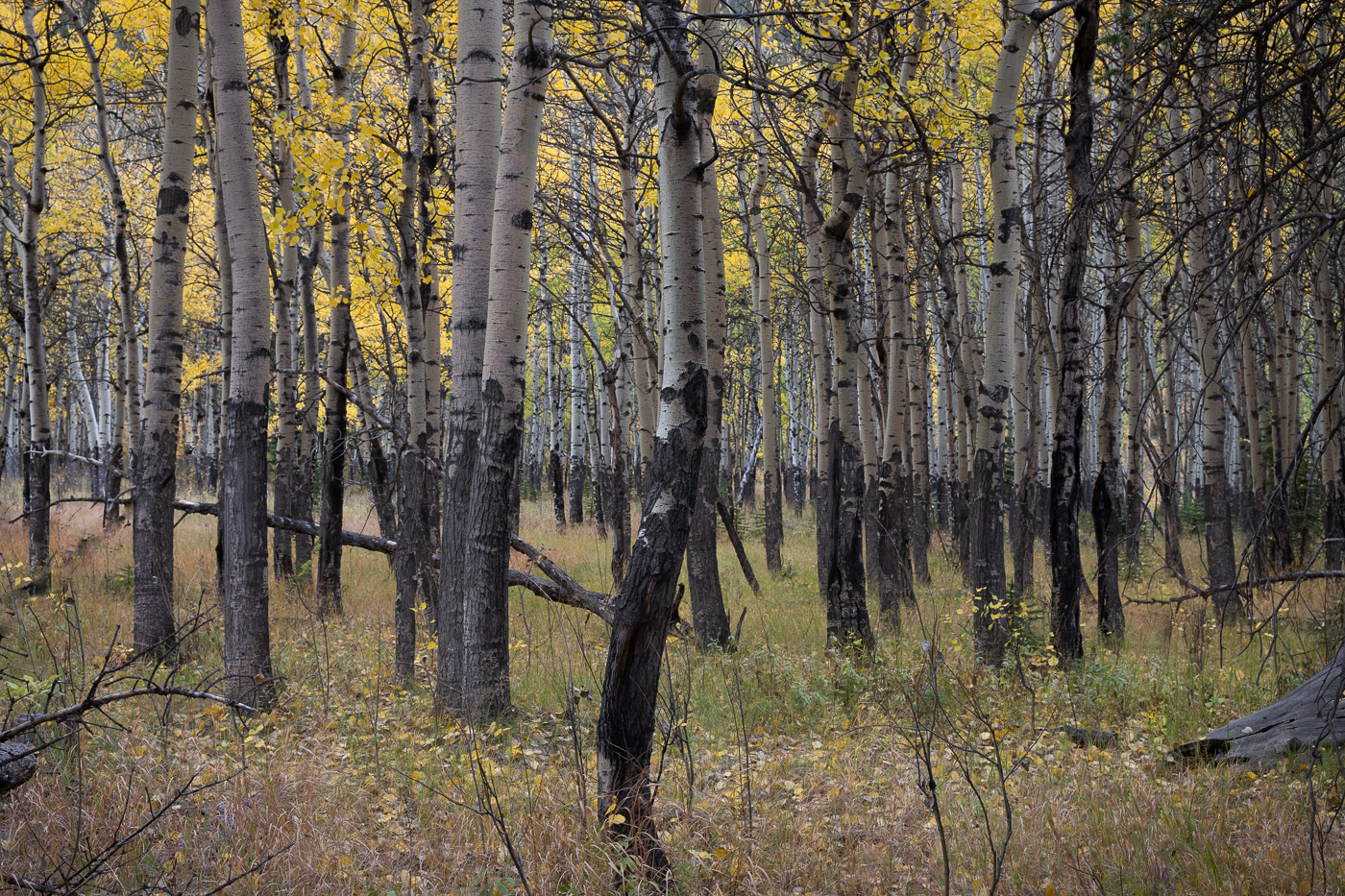
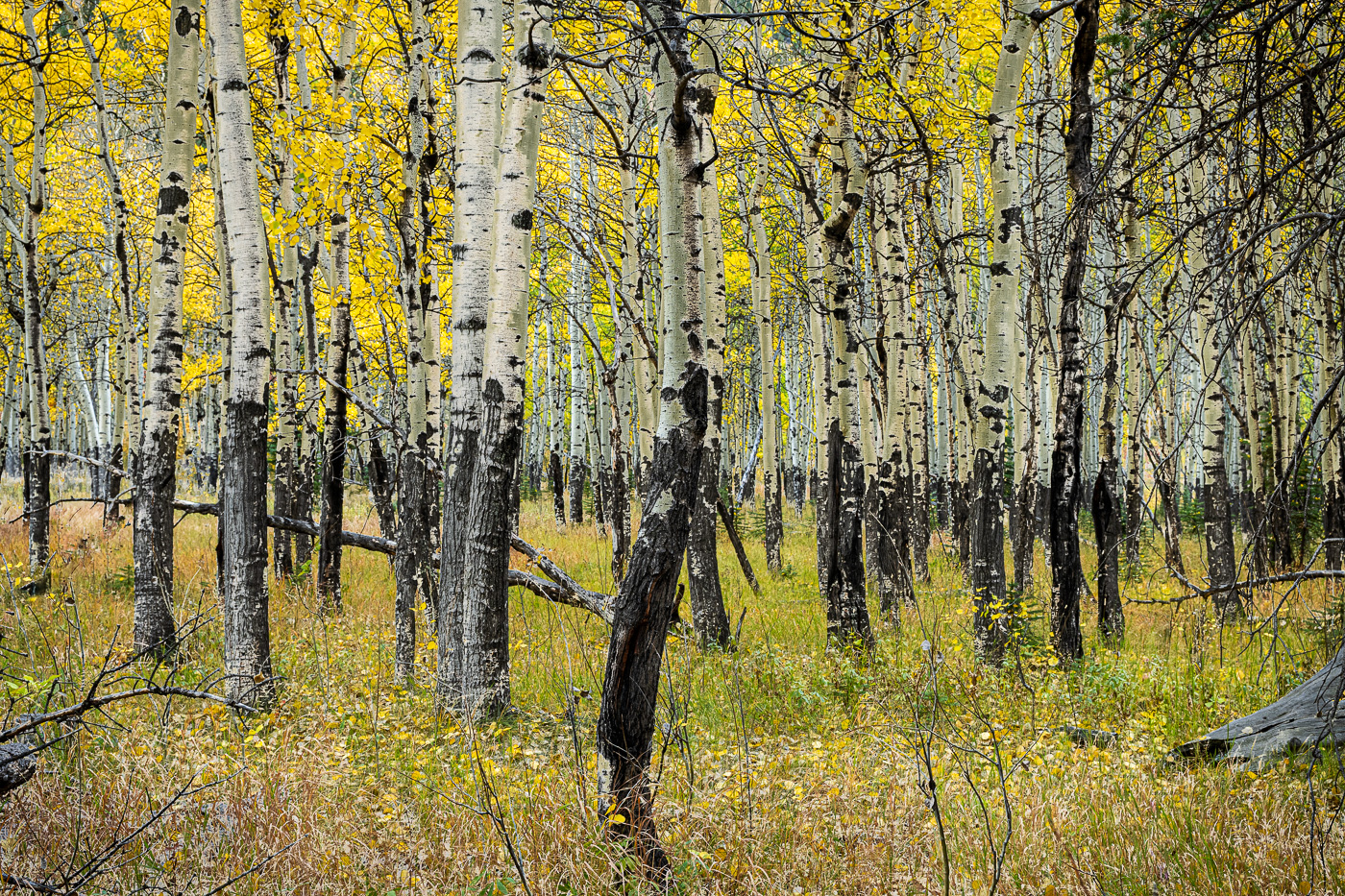
I only shoot RAW images, so my pictures look flat and soft when they come into the computer. The process of guiding and forming the image into my vision for it has become interesting to me. I also recognize it as a significant part of the creativity of making a good picture.
There is a reinforcing loop between my knowledge of the tools and the results I achieve with them. Learning more rewards me with more confidence and ability to creatively modify the images.
So, I have taught myself to enjoy the computer work as not just a necessary evil, but a creative part of my photographic process. A huge photo shoot may overwhelm me and seem burdensome, but overall, editing is a necessary and creative part of being a photographer with our current technology.
 ©Ed Schlotzhauer
Disappointing
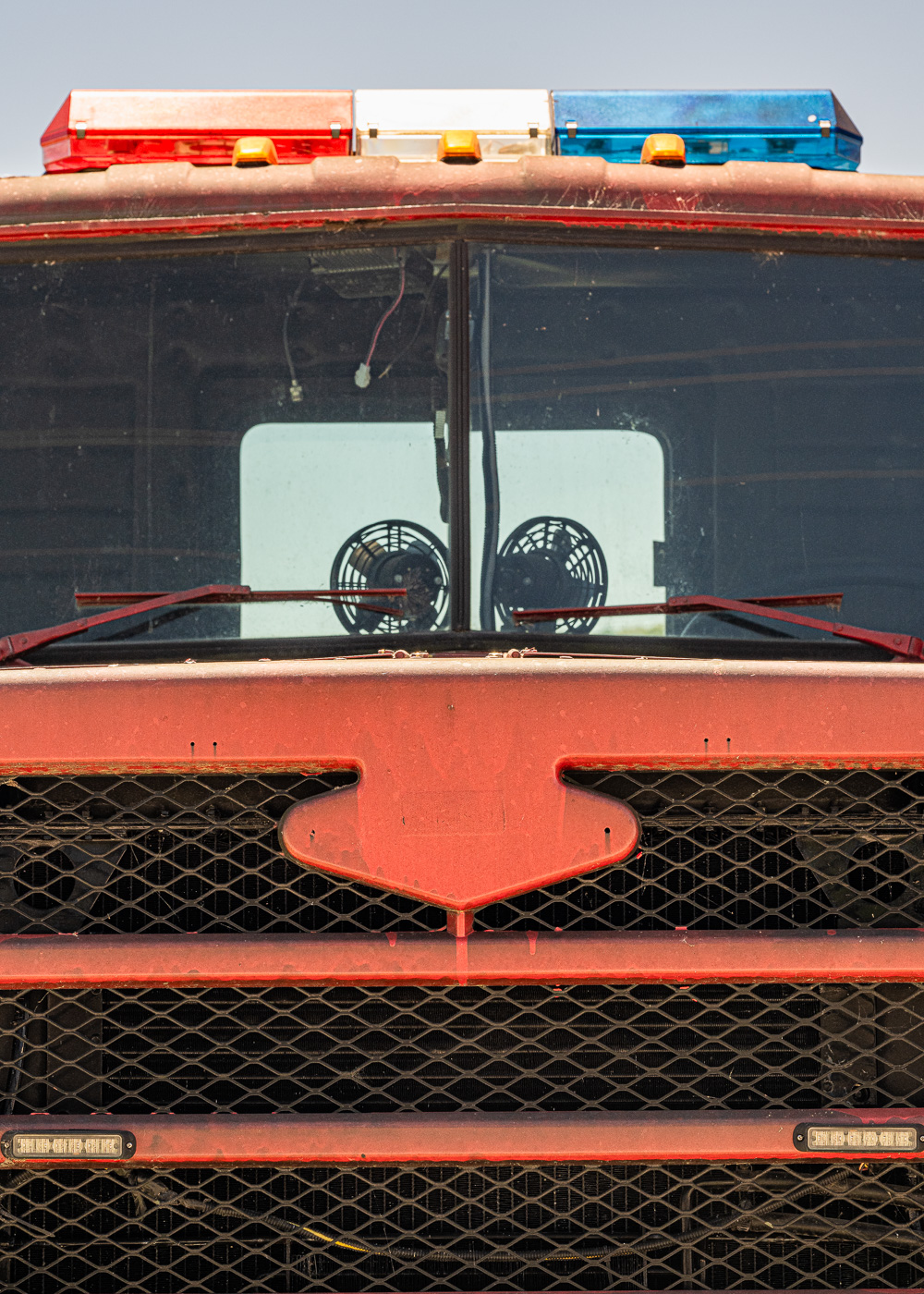
I said that my photos do not look good when I first load them into the computer. This can be disappointing.
Experience can help immensely. I know from experience that when I go out shooting, I can capture some good images, if my head is in it. Likewise, I know from experience that these ugly duckling images I first see on my screen can blossom into something much better.
Some creative work in my image processing software makes them develop into something much closer to what I remember (or imagine) from the shoot. In most cases, the disappointment fades and the images start taking on a life of their own.
 © Ed Schlotzhauer
Invokes memories
But I called this “instant replay”. What did it mean? Going back over the images from a shoot brings me back into the event. I relive what I was feeling, what the weather felt like, the sights and sounds and smells I experienced there.
Memory is very selective. Usually, we remember the good parts. Reviewing the overall shoot is a great reinforcement to my memory and a chance to relive it. Usually in a positive way.
This is important to me, because as I progress through my editing process, the images tend to get sorted into different bins, independent of the trip or the event. For instance, a picture of a really great tree ceases to be so much “a picture of a great tree in northern Louisiana in the fall of 2026.” Instead, it ends up in a collection of good tree images. This is the way I ultimately will be using the image.
The passes through the shoot before they are extensively culled and binned is my opportunity to reexamine the event and build memories of the group as a whole. I am not entirely callous about this, though. Occasionally a trip is meaningful enough for me to put together a collection of highlights to remember it. I have a few of these.
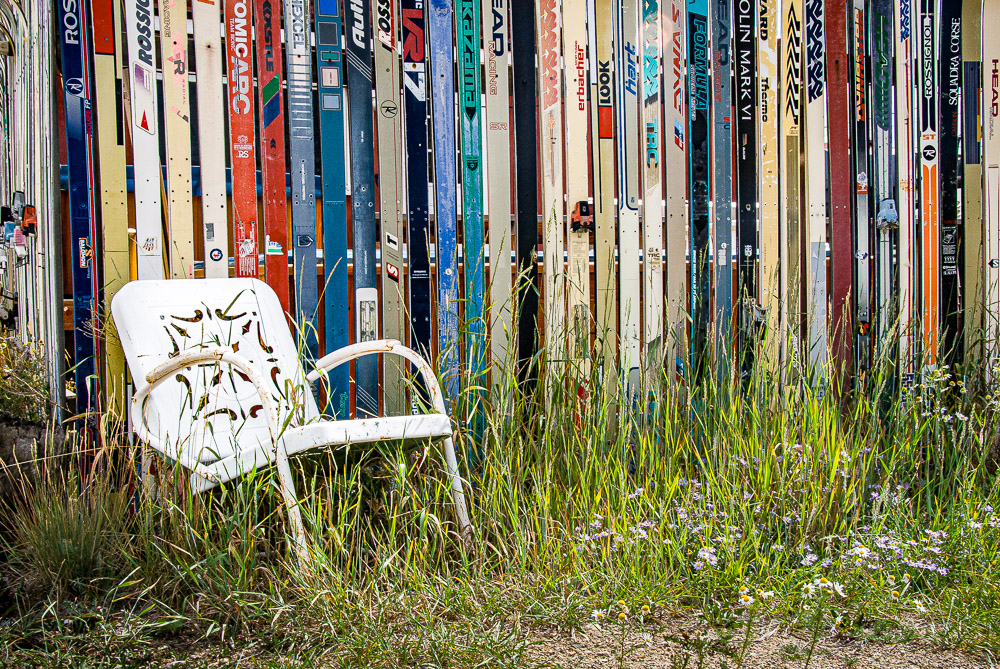
Going back through one of these trip collections is a great way to jog my memory. It can be interesting to me to see not only the trip, but what was catching my. eye at the time, and it can be instructive to examine how I have changed and developed different tastes now, whenever “now” is.
 ©Ed Schlotzhauer
This is where it comes together
I am not a big sentimentalist. I don’t spend much time looking back over past trips and thinking about the “good ‘ole days.” It amazes me, though, when I do look at a past trip, how my images cause the memories to flood back. It is like I am there again.
Perhaps this is one reason I shoot so much. My images are a big part of my memories. It seems like seeing an image that is important to me will immediately bring me into context. I recall where it was, when it was, the circumstances around it, why I was drawn to it, what the weather was, and why I like it,
This is not a trivial thing to me. It shows what a powerful force the images I have collected are in my life and why their ability to put me into instant replay mode is so important. The ones that survive my editing process, and often the ones that were hardest to edit, seem to have the most impact.
Maybe there is a learning here. When I post an image in an article here or print it and hang it on a wall of a gallery, the viewers see it only in their own context. If the composition is good enough, or the color is vibrant or if it touches some emotion in them, then they may like it. But an image may be important to me for other intensely important reasons.
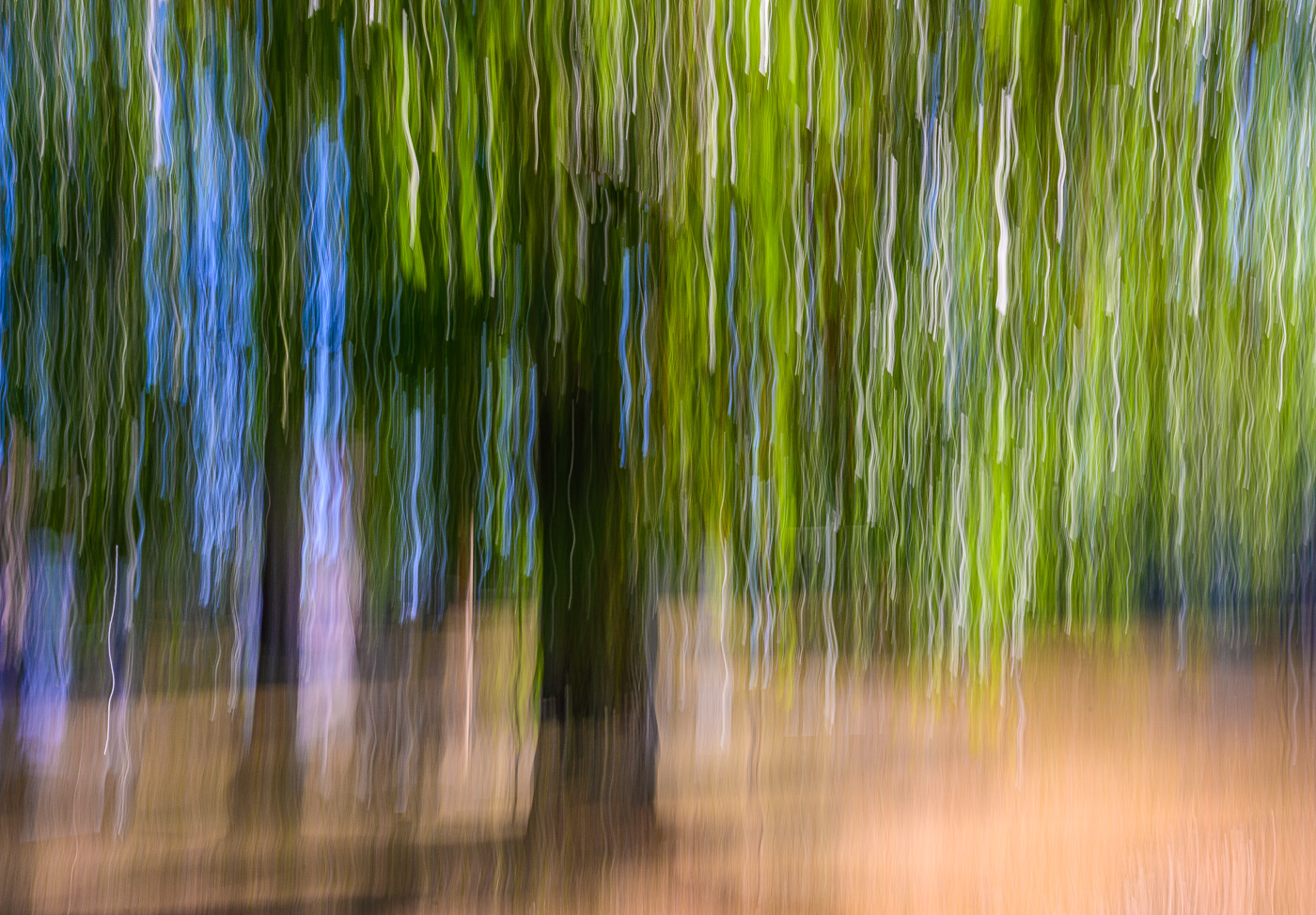
It is difficult to say what makes a great image.

 ©Ed Schlotzhauer
 ©Ed Schlotzhauer
 ©Ed Schlotzhauer
 ©Ed Schlotzhauer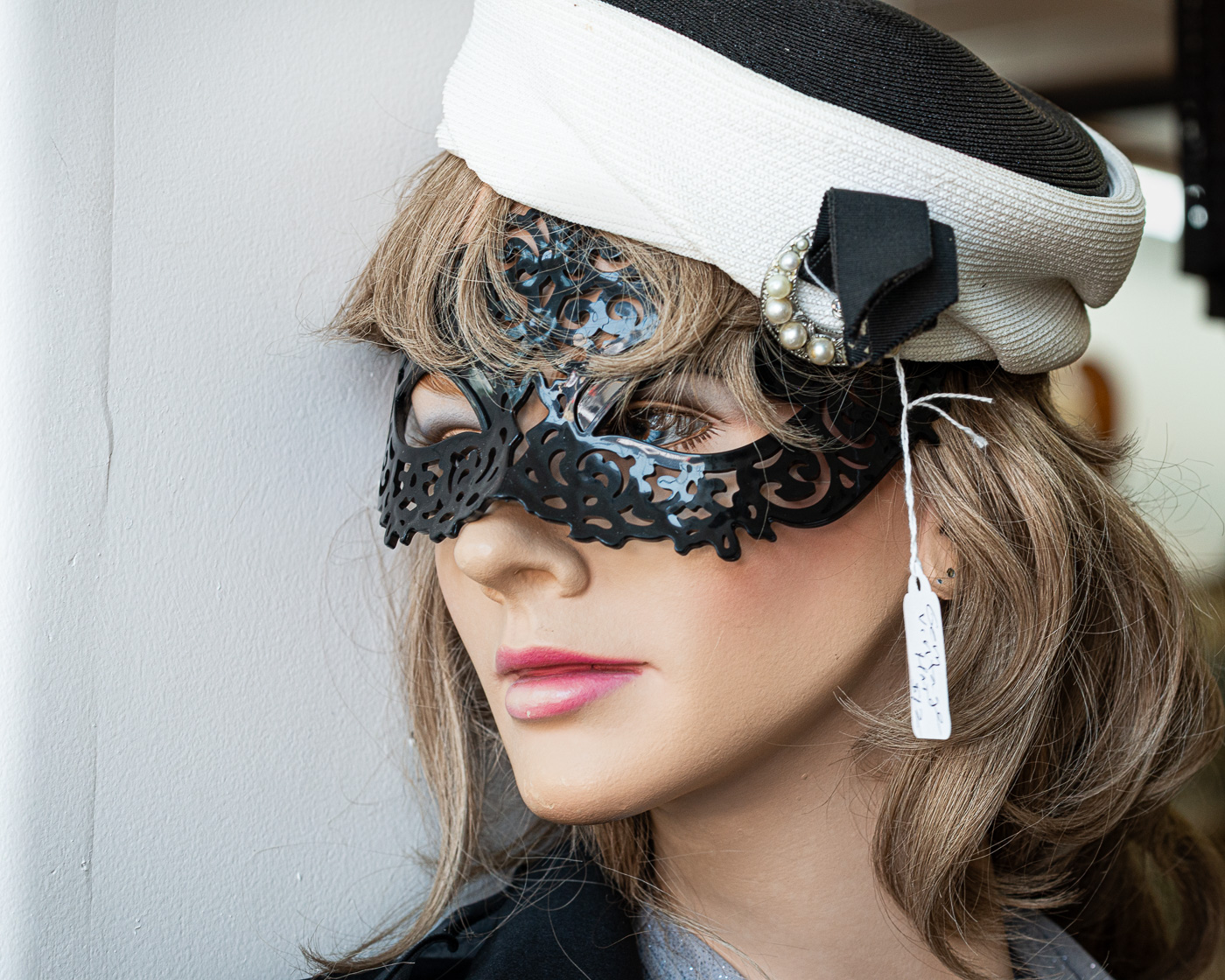
 ©Ed Schlotzhauer
 ©Ed Schlotzhauer
 ©Ed Schlotzhauer
 ©Ed Schlotzhauer
 ©Ed Schlotzhauer
 ©Ed Schlotzhauer
 ©Ed Schlotzhauer
 ©Ed Schlotzhauer
 ©Ed Schlotzhauer
 ©Ed Schlotzhauer
 ©Ed Schlotzhauer
 ©Ed Schlotzhauer
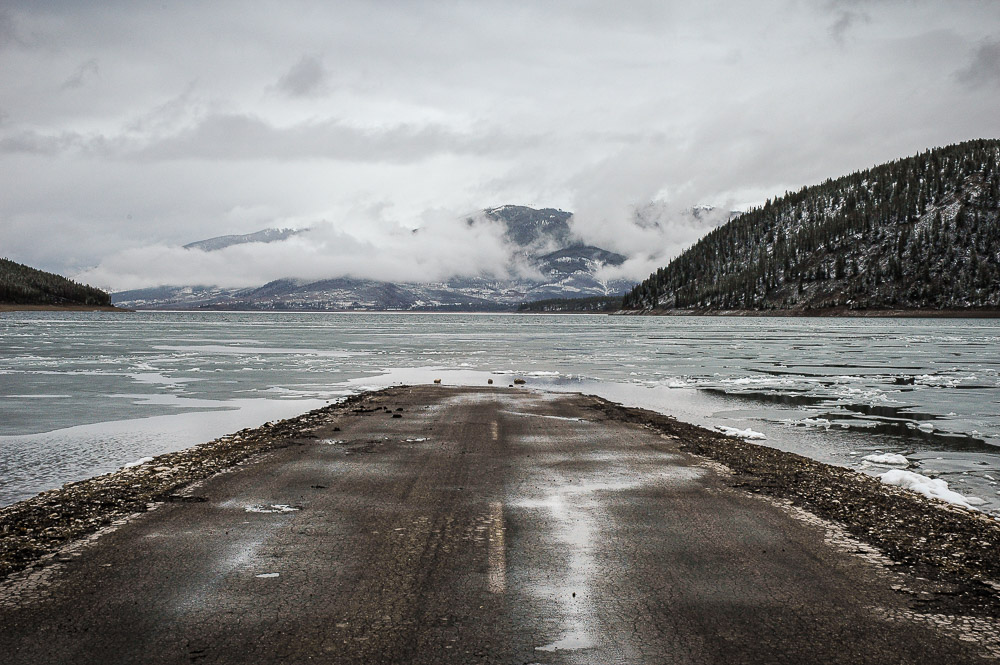 ©Ed Schlotzhauer
 ©Ed Schlotzhauer